Overall rating: 4.5434785 / 5 from 184 reviews.

AI Generated Review Summary

Summary topics

Review topics: ["screws","quality","results","jig","upgrade","frame","material","tool","design","thickness","instructions","works","husband","system","holes","clamp","joints","kreg","wood","drill","pieces","dust collection","amount","wings","joining","model","locking mechanism","hold","adjustments","addition"].

Review highlights

Reviews

Very easy to use

"Very easy to use"

Mitchell G. (5/5)

It broke

"Bought this for a father’s day gift for myself. Waited patiently to open it today. Used it to make some holes on 3 2x4’s on the 4th piece the locking mech stripped or something. It will not secure the wood. The slightest pressure and the clamp slips. Unbelievable."

Builderofstuff (1/5)

preformed as expected, very good would recommend. for the money...

"preformed as expected, very good would recommend. for the money that it cost, was worth"

Kd (5/5)

I had one of the older Kreg tools which I...

"I had one of the older Kreg tools which I liked. This newer model is better and easy to use."

Richard (5/5)

It’s so easy to use. Very sturdy. I’d recommend this...

"It’s so easy to use. Very sturdy. I’d recommend this product to anyone who is wanting to cut some pocket holes. Don’t go fo the cheaper ones. Splurge and get the K5. Mount it to a piece of plywood or MDF and start cutting."

Micky (5/5)

Assembly was easy, once I watched a video of how...

"Assembly was easy, once I watched a video of how to set it all up."

Sunny123 (5/5)

I found it easy to use & find it very...

"I found it easy to use & find it very useful"

Happycamper9 (5/5)

This is an easy to use tool and works as...

"This is an easy to use tool and works as expected. I have had a lot of success with it in the early stages of using it."

Scott (5/5)

This is the best tool for making pocket-holes. Used it many times after purchase. I used to drill...

"This is the best tool for making pocket-holes. Used it many times after purchase. I used to drill these holes by starting a small hole then tip my drill to a slight angle. After doing this for sometime, and breaking many drill bits, this tool is, by far, a handy devise."

Bear (5/5)

5 Star Review

"Rating provided by a verified purchaser"
Mark (5/5)

Q&A

Will my Pocket-Hole Jig K3, K4, or K5 drill guides work with the Pocket-Hole Jig 520PRO or the Pocket-Hole Jig 720/720PRO? 
The drill guides from previous Kreg Jigs are not interchangeable, and will not fit the Pocket-Hole Jig 520PRO or the Pocket-Hole Jig 720/720PRO.
I have a Pocket-Hole Jig K4 or a Pocket-Hole Jig K5. Can I still get accessories and replacement parts?
Replacement parts and accessories for these older models of Kreg Pocket-Hole Jigs will continue to be supported on the kregtool.com website.
What size board should I attach my Kreg Jig® to?
You can attach your Kreg Jig® to any size of board. A size that we recommend is 12″ x 24″. This size gives you a decent-sized clamping area, yet doesn’t take up too much space.
What are the Spacer Blocks for?
The spacer blocks are used with the Drill Guide Block to make it easier to use portably. These blocks slide on to the bottom of the Drill Guide Block. Depending on the thickness of wood you are working with, you will need to adjust the number of spacer blocks you use. Each spacer block you use will add an additional 1/4″ to your setting. For example, with no spacer blocks, it is set up for 1/2″ material. But when you add a spacer block, it would then be set up for 3/4″ material.
How do you use the Drill Guide Block in portable applications?
To use the Kreg Jig® Drill Guide Block in portable applications, you will need to use your spacer blocks. These blocks slide on to the bottom of the Drill Guide Block. Depending on the thickness of wood you are working with, you will need to adjust the number of spacer blocks you use. Each spacer block you use will add an additional 1/4″ to your setting. For example, with no spacer blocks, it is set up for 1/2″ material. But when you add a spacer block, it would then be set up for 3/4″ material.
How do I position the Stop Collar on my Kreg Jig® K5 to accommodate different material thicknesses?
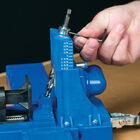
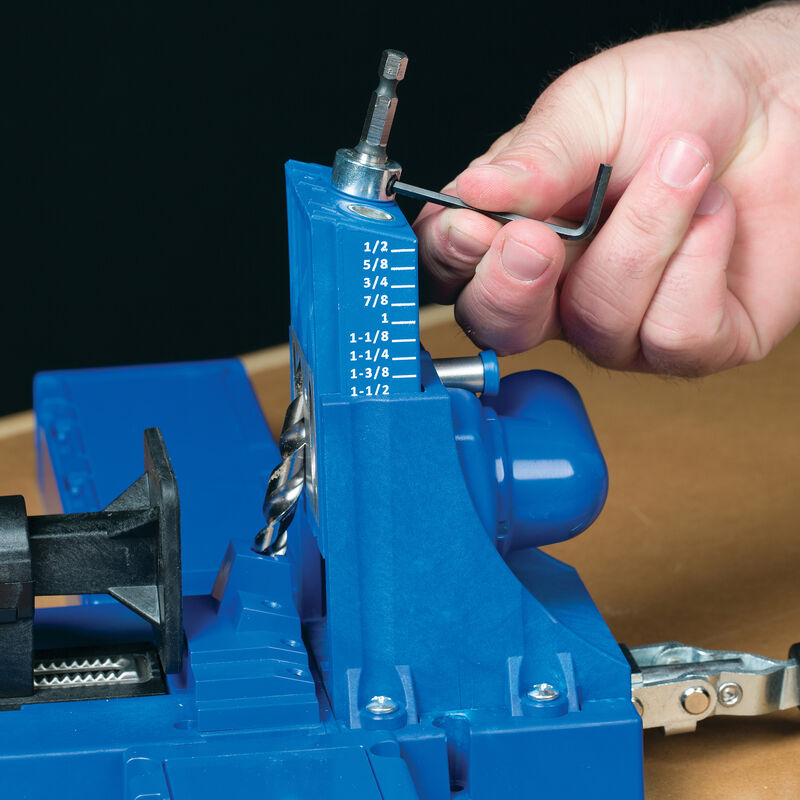
Place the stop-collar setting block on the jig base in front of the drill guide. Slide the step bit into one of the drill guide bushings and drop the pilot tip in the hole in the block that corresponds to the length of the screw you’ll be using. With the step bit shoulder resting on the block, slide the stop collar onto the drive-end of the bit so it rests on the drill guide. Then, tighten the stop collar set screw with the included hex wrench.
How do I make my markings more visible on an older Kreg Jig®?
Making your markings more visible can be accomplished in numerous ways, including paint, grease pen, white-out, and even fingernail polish. Below is a successful technique we’ve utilized: Mix equal parts flour and water (2-3 tablespoons should be adequate) into a paste. Carefully rub the paste into the Kreg Jig® markings with your finger. Wipe away the excess paste with a very lightly dampened cloth. The paste mixture will harden over time. Repeat if necessary.
How do I get my Cabinetmaking Booklet Download?
With the purchase of some Kreg Jigs®, our Cabinetmaking Booklets is yours free! Make sure you have the promotion code that is supplied in the pamphlet that came with your Kreg Jig®. Then, go to kregtool.com/plan-redemption, enter your information, and you will be reading your Cabinetmaking Booklet in no time!
How do I decide which of the three drill guides to use?
B and C holes are 9/16″ apart, A and B are 7/8″ apart, and A and C are 1 7/16″ apart. When working with 1″-2″ wide material, use holes B and C. When working with 2″-3″ wide material, use holes A and B. When working with 3″-4″ wide material, use holes A and C. When drilling panels, you can use any of the Drill Guide’s three holes and reposition the guide block each time to create your own spacing. We recommend placing the first pocket hole roughly 2″ away from the exposed edge of the panel, and every 6″ after that.
How do I adjust the Drill Guide for different material thicknesses?
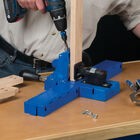
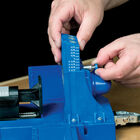
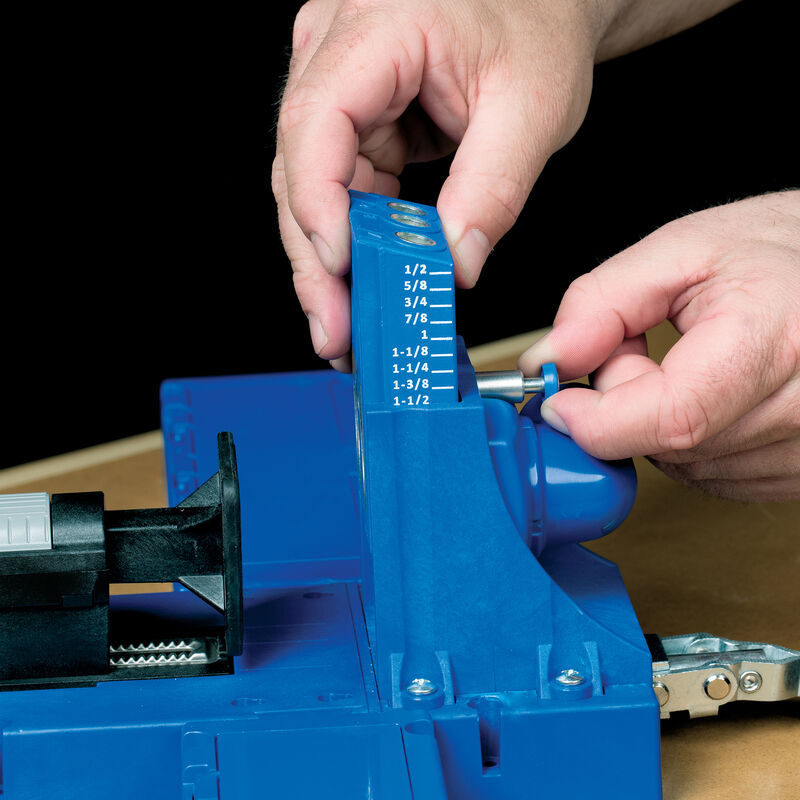
To ensure the exit-point of your screw is at the center of the workpiece for the strongest joint possible, you’ll need to adjust the position of your pocket hole by raising or lowering the Drill Guide’s height to match your workpiece thickness. Loosen the Drill Guide Pin or pull it back on the Kreg Jig® K5, lift the Drill Guide until the correct mark is showing just above the jig body, and then retighten or release the pin.

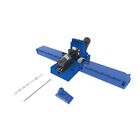
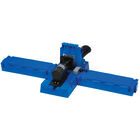
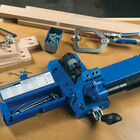
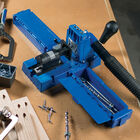
Kreg® Pocket-Hole Jig K5

Availability:
  • Discontinued
Discontinued
  • Highlights
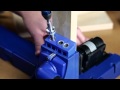
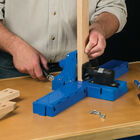
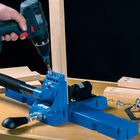
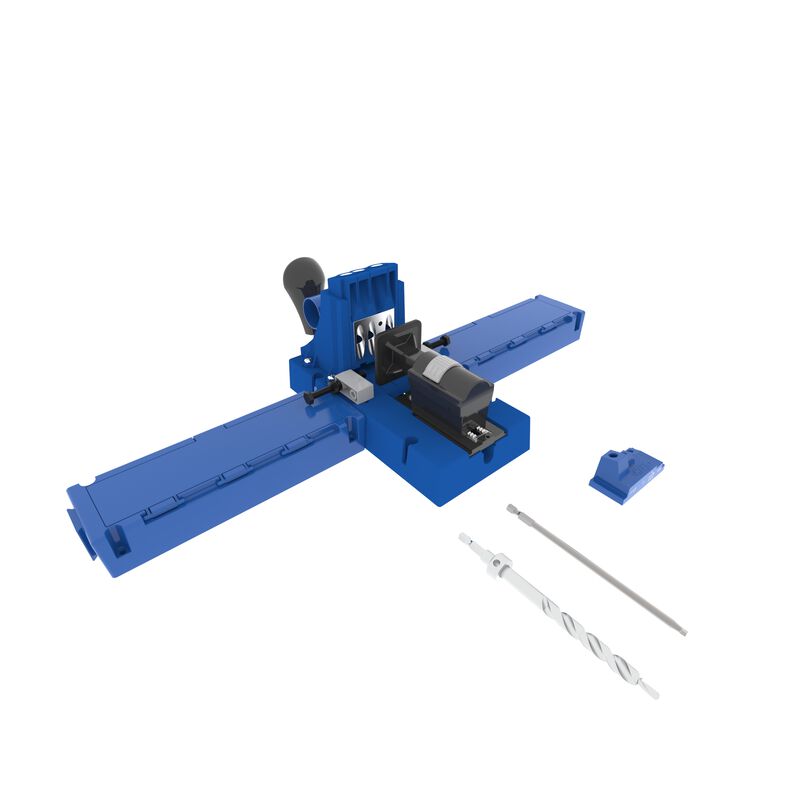
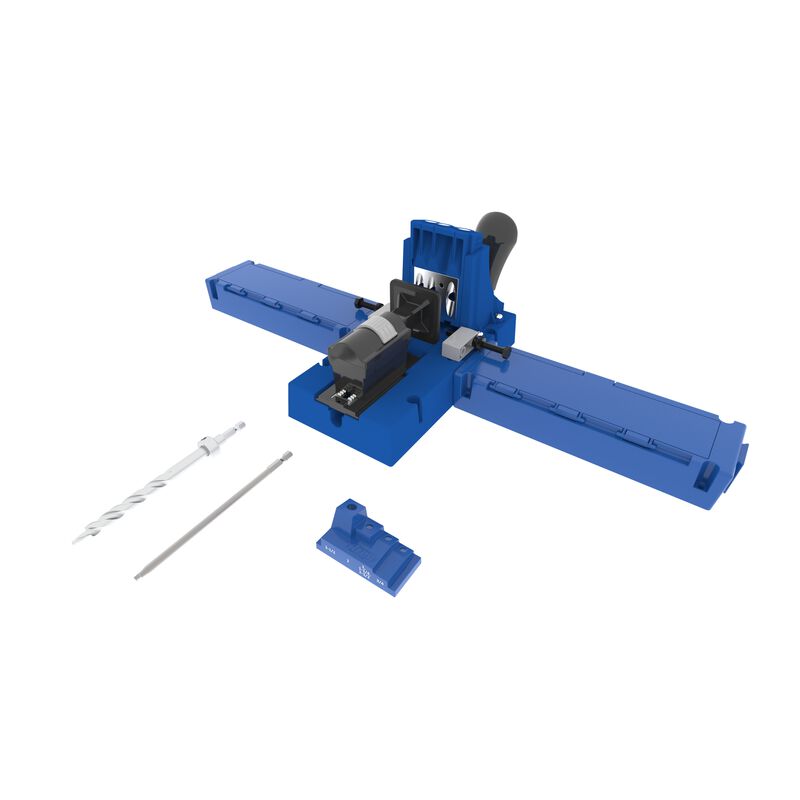
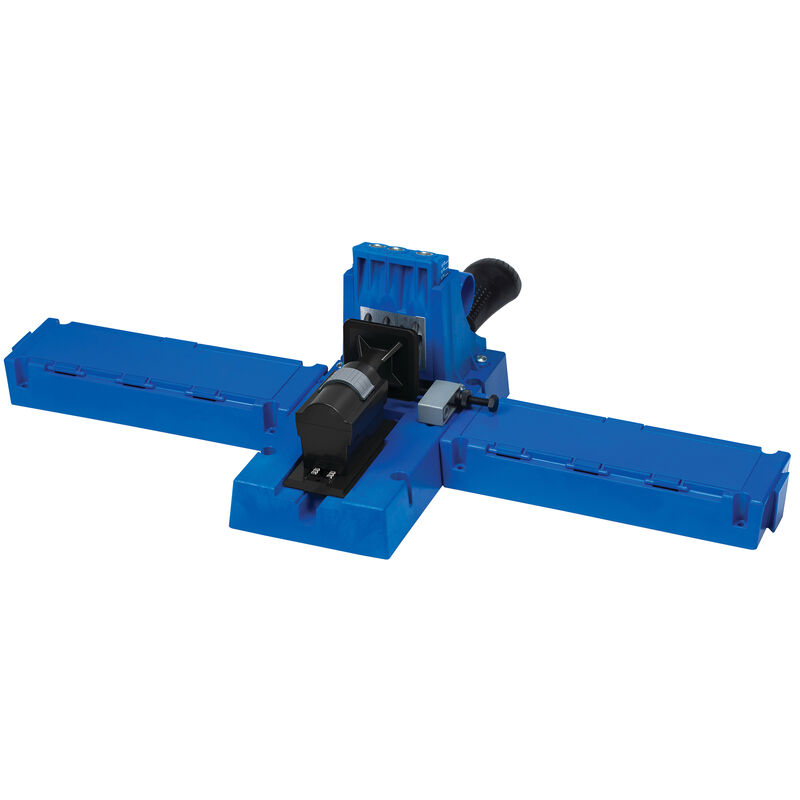
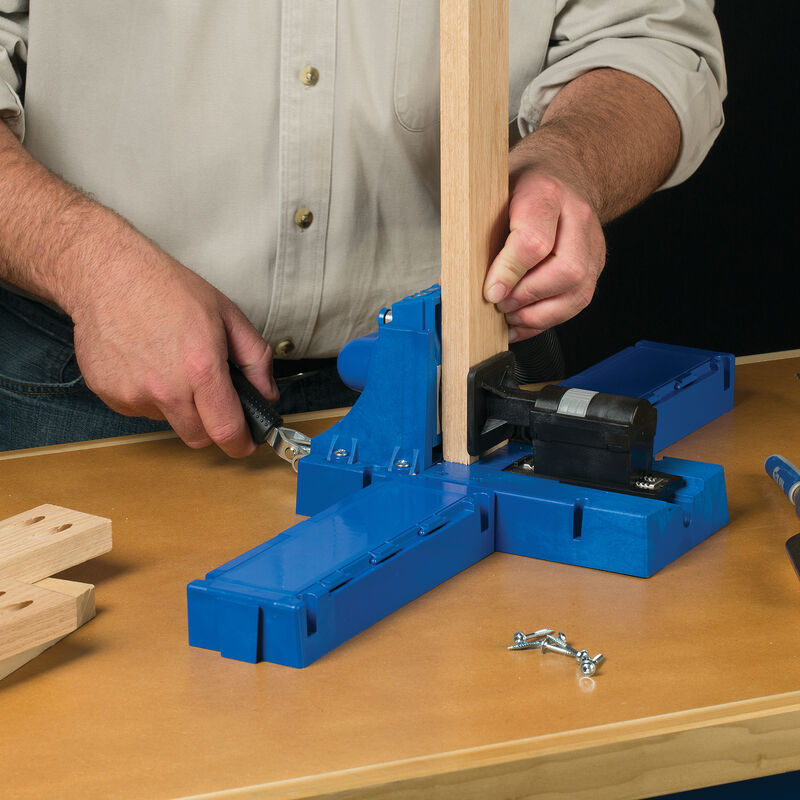
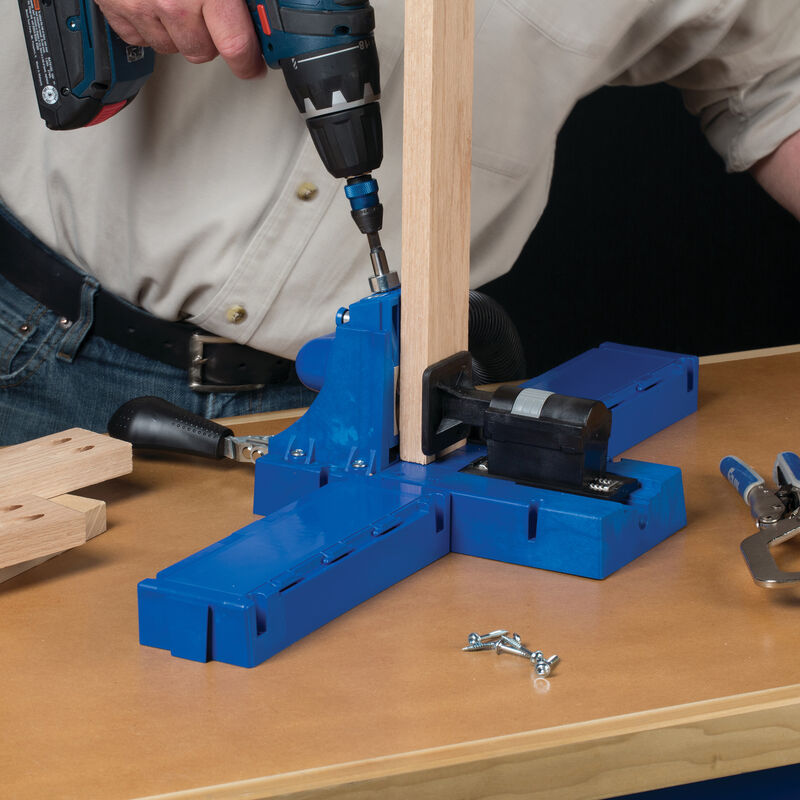
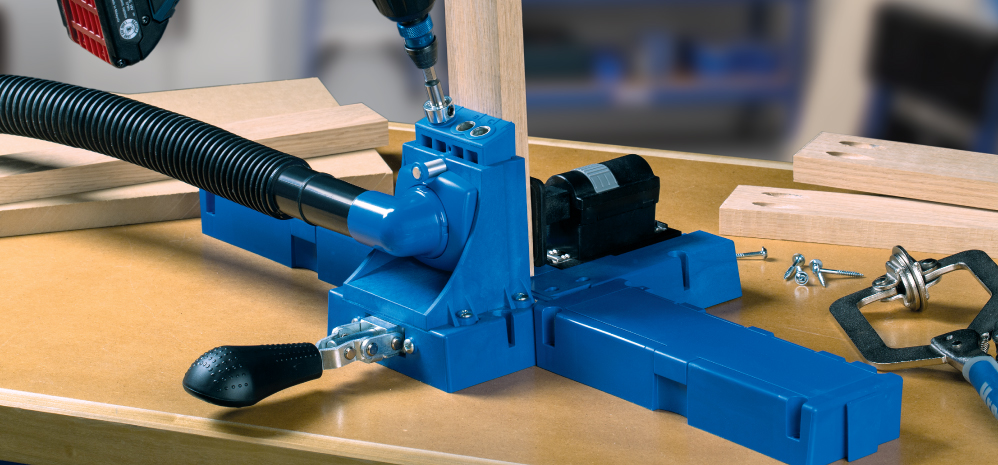
  • Front-mounted handle makes clamping easy
  • Ratcheting clamp mechanism adjusts without tools
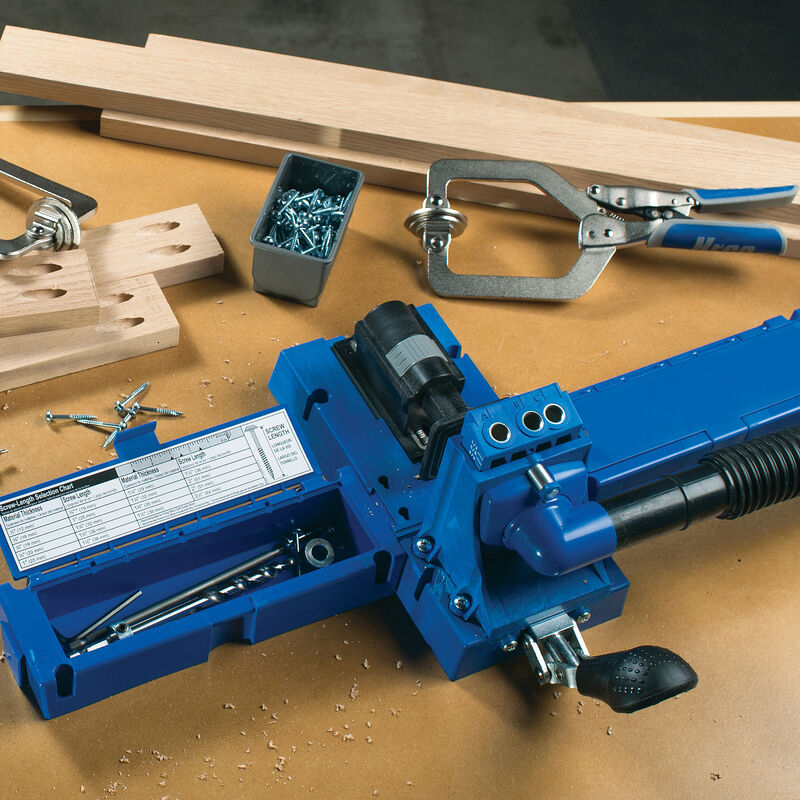
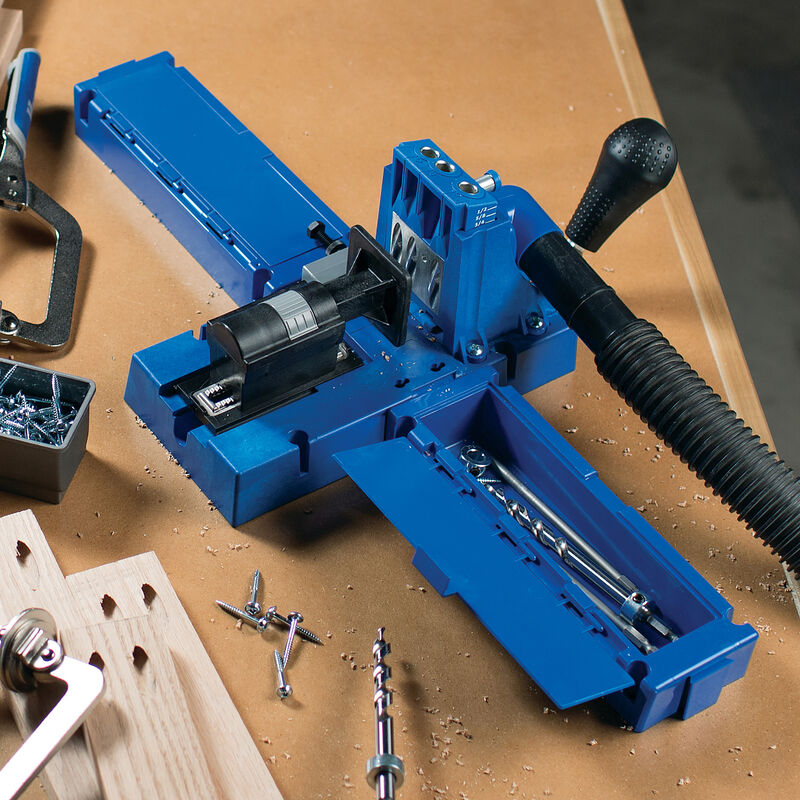
  • Storage wings provide built-in storage for bits and accessories
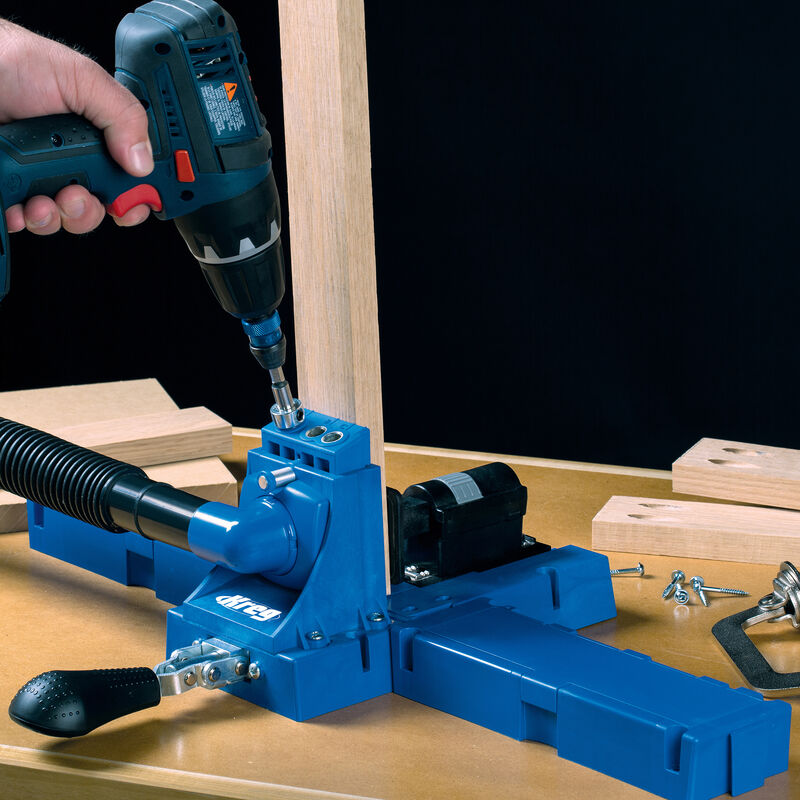
  • Swiveling dust collection port accepts any standard vacuum hose
  • Adjustable workpiece stop mounts on either side for easy repeat drilling
  • Stop-collar setting block makes drill bit setup easy
  • Quick-release pin holds drill block securely in place
Show More